01
Type the quiet line
Enter a short caption, bio phrase, comment aside, profile note, or meme line. The tool keeps the input bounded so the output stays easy to preview and copy.
Quiet Unicode and Image Overlay
Quiet copy-paste Unicode styles plus local PNG overlay.
Use this whisper text generator when you want a line to feel quiet, small, secret, or tucked into the background without turning it into an audio or AI writing workflow. The copy tab focuses on Unicode output, so every result can be selected, copied, and tested in the destination app.
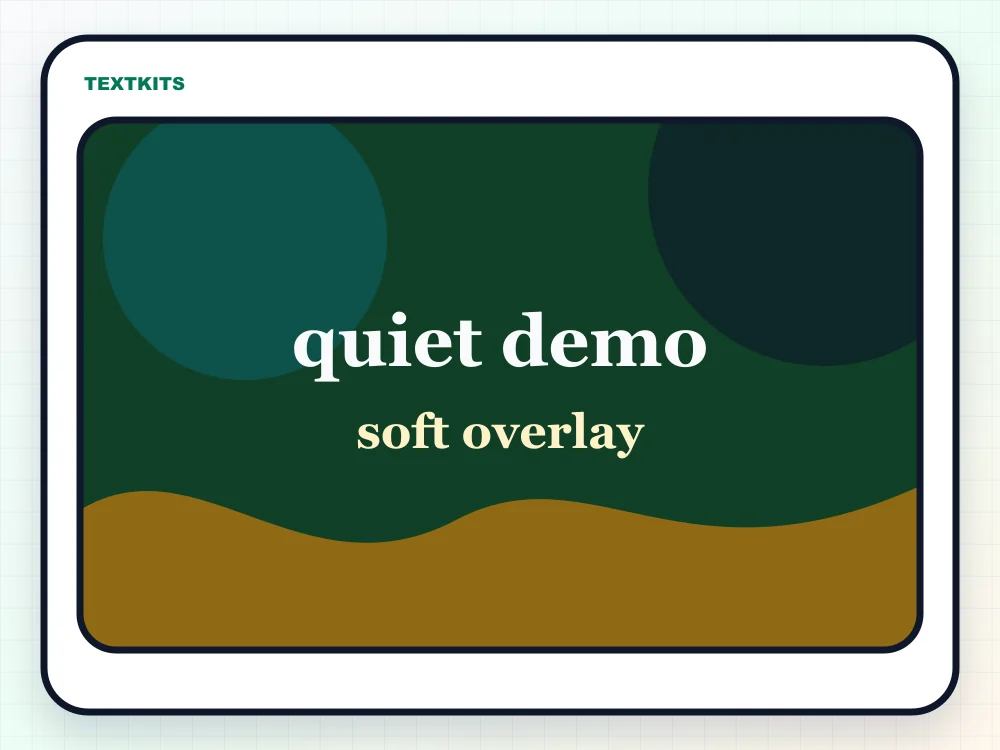
The image tab covers the other search intent behind whisper text: a soft caption over a picture. Uploads stay in the browser, and the downloaded PNG is drawn from the local canvas preview.
The whisper text generator keeps those two jobs separate, so a copy-paste line never has to pretend it is an audio, font download, or AI transcription tool.
Enter a short caption, bio phrase, comment aside, profile note, or meme line. The tool keeps the input bounded so the output stays easy to preview and copy.
Choose from soft whisper, subtle lowered text, small caps, raised secret text, airy spacing, and a quiet caption frame. Each row includes a compatibility label.
Copy Unicode text for social fields, or switch to Image Overlay when the intent is a whisper meme, soft label, thumbnail caption, or downloadable PNG.
Use this mode when the destination accepts text: bios, captions, comments, Discord messages, Pinterest descriptions, notes, and profile fields.
Use image mode when the result should be visible on a picture. Upload stays local, the preview is drawn on canvas, and the PNG is exported in the browser.
Paste tiny or small caps text into the decoder when you need to recover a readable plain-text version before editing or reusing it.
Best for everyday paste targets because the style changes fewer characters or uses common Unicode forms.
Useful for visual effect, but some letters may stay normal because Unicode has no perfect miniature version.
Designed for a specific look. Spacing or tiny characters can collapse, wrap oddly, or render differently in strict apps.
Whisper text is useful when the message should feel like a side note, soft caption, quiet aside, or small visual label. People often use it for a second line under a profile name, a subtle comment in a caption, a gentle mood line on an image, or a small annotation that should not compete with the main words.
The best results are short. A few words, a username note, a parenthetical aside, or a tiny caption usually works better than a whole paragraph. If the text carries important instructions, keep a normal-text version nearby so the meaning is still clear when the decorative style is hard to read.
Tiny Unicode characters are real text, but they are not supported evenly everywhere. Some apps show the small letters cleanly, some replace missing characters with normal letters, and some change line height so the result looks less quiet after it is pasted. Older phones, strict form fields, and moderation-heavy apps can be especially inconsistent.
Use the compatibility label as a first filter, then test the exact destination before posting. If a bio, comment box, or chat field strips spacing or changes the look, choose a simpler whisper row. For images, use the overlay mode instead, because a PNG keeps the visual style stable after download.
Whisper text is most useful as decoration around readable content, not as a replacement for the entire message. Screen readers and search fields may not treat small caps, superscript, subscript, or spaced Unicode the way a visual reader does. For public information, write the main point in normal text first and use whisper styling only for tone or emphasis.
If you are adding a whisper caption to an image, check contrast before downloading. Soft text still needs enough difference from the background to be readable. A slightly larger size, stronger outline, or calmer background crop can keep the quiet style without making the words disappear.
Common questions about quiet Unicode text, image overlays, platform rendering, and decoding whisper-style characters.
Copy quiet Unicode styles or add whisper captions to a local image.
Platform checks
Results
Safer
qᵘⁱᵉᵗ ᵈᵉᵐᵒ
Some letters may stay normal.
Decorative
qᵤᵢₑₜ dₑₘₒ
Some letters may stay normal.
Safer
qᴜɪᴇᴛ ᴅᴇᴍᴏ
Some letters may stay normal.
Decorative
qᵘⁱᵉᵗ ᵈᵉᵐᵒ
Some letters may stay normal.
Fragile
q u i e t d e m o
Spacing can collapse in some apps.
Safer
﹙quiet demo﹚
Copy-ready Unicode text.
6 styles ready. Image export stays local.
Runs locally in your browser.